Almost every route-planning app has a free tier. That's not the interesting part. The interesting part is what's actually behind the paywall, because it's rarely "the whole app." It's usually four specific things, gated in fairly predictable ways across the category. Knowing what they are ahead of time makes the free-vs-paid decision a five-minute exercise instead of a guessing game.
The four things that usually get gated
Across most route planners, this one included, the free/paid line tends to fall in the same four places:
- Stops per route: a hard cap (commonly somewhere around 10–15 stops) on free plans.
- Address import volume: CSV or photo/screenshot imports, often capped per month rather than blocked outright.
- Route restrictions: avoiding tolls, highways, or ferries, which almost always sits behind the paywall.
- Route history and analytics: how much past-route data you can see, and for how long.
Stop-count caps matter more than they sound
A "12 stops free" limit sounds generous until you notice it's not really 12 delivery addresses: start and end points sometimes count too, and one bad address that needs re-adding eats into the same cap. If your typical day runs under the free limit, this genuinely doesn't matter. If you're routinely a few stops over it, you're not paying for "more app." You're paying to stop manually splitting one route into two, which is its own hidden time cost.
Photo/CSV import limits: what "free" usually really means
Import limits are usually framed monthly (e.g., 10 photo imports per 30 days) rather than blocked entirely. The free tier lets you try the feature, not use it as your daily workflow. If you're typing every address by hand right now, this is worth checking regardless of plan: photo and CSV import isn't a premium convenience so much as the difference between a five-minute setup and a thirty-minute one, every single day.
Toll, highway & ferry avoidance: almost always paid
This one's close to universal across the category, and it makes sense from the vendor's side: it's a feature that matters enormously to a narrow group of users (anyone paying real tolls daily, or driving a vehicle that can't take highways) and not at all to everyone else. If tolls are a real cost in your area, this single feature can be worth the entire subscription on its own. Do the math on your actual monthly toll spend before deciding it's not worth it.
Route history and analytics: nice-to-have vs. need-to-have
Free tiers usually keep basic history (what you ran, when) and gate the analytical layer: variance versus planned time, per-stop dwell time, pace trends. For a single driver, this is genuinely optional; it's most valuable if you're trying to improve your own pace over time or need documentation for a dispute about a specific delivery.
A simple way to decide: count your stops for one real week
Skip the marketing copy and run the actual numbers for seven real days:
- How many stops did you run each day, and how many days went over the free cap?
- How many times did you re-type an address you could have imported instead?
- What did you actually spend on tolls or ferries that week?
If the answer to any of those is "more than a couple times," the subscription usually pays for itself in saved time alone, separate from whatever it costs directly.
Where Fix My Route lands on this
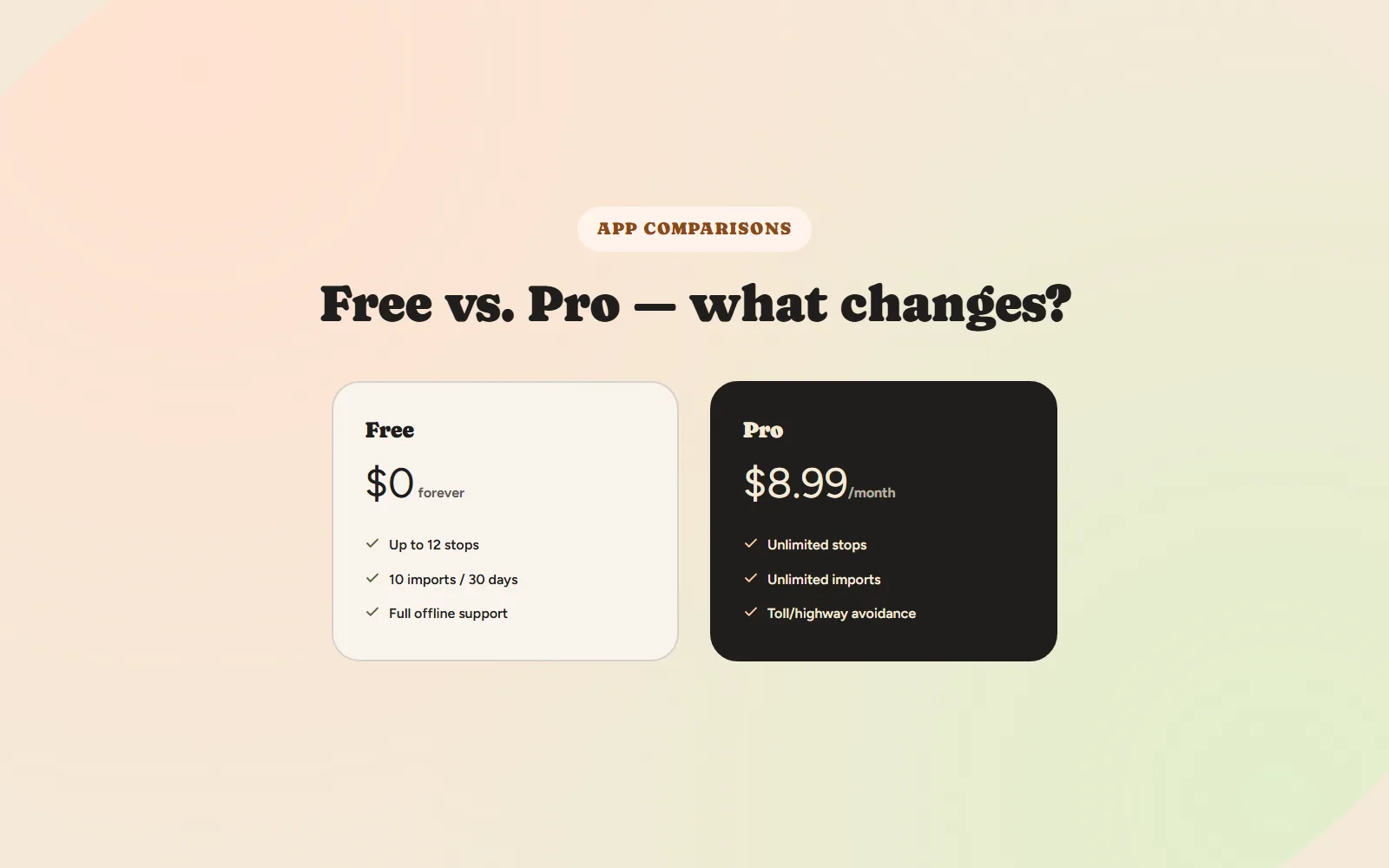
To be transparent about our own split, since it follows the same shape described above: free includes up to 12 stops per route, 10 photo/screenshot imports every 30 days, full offline support, and route history with real timing, with no credit card required and no trial that expires. Pro ($8.99/month) removes the stop cap and import limit entirely and adds toll, highway, and ferry avoidance. See the full breakdown on the pricing page.
The upgrade is rarely about unlocking "more app." It's about removing the one specific limit that's actually in your way.
Fix My Route Team
We build route-optimization software for delivery drivers and couriers, and write about the planning problems that come up running real multi-stop days.
Keep reading
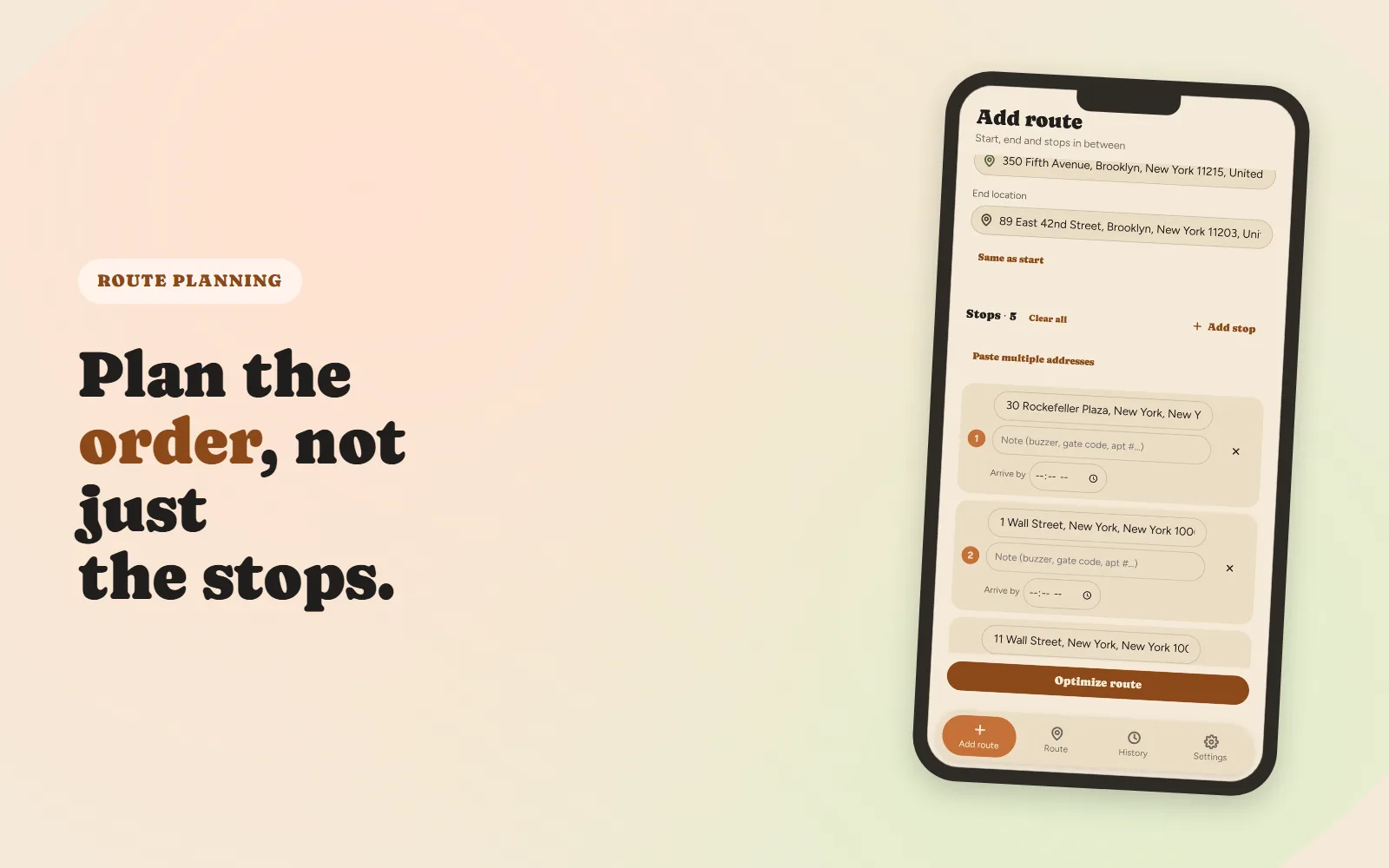
How to Plan a Multi-Stop Delivery Route (Without Losing Half Your Day)
A practical, step-by-step approach to sequencing ten-plus stops.
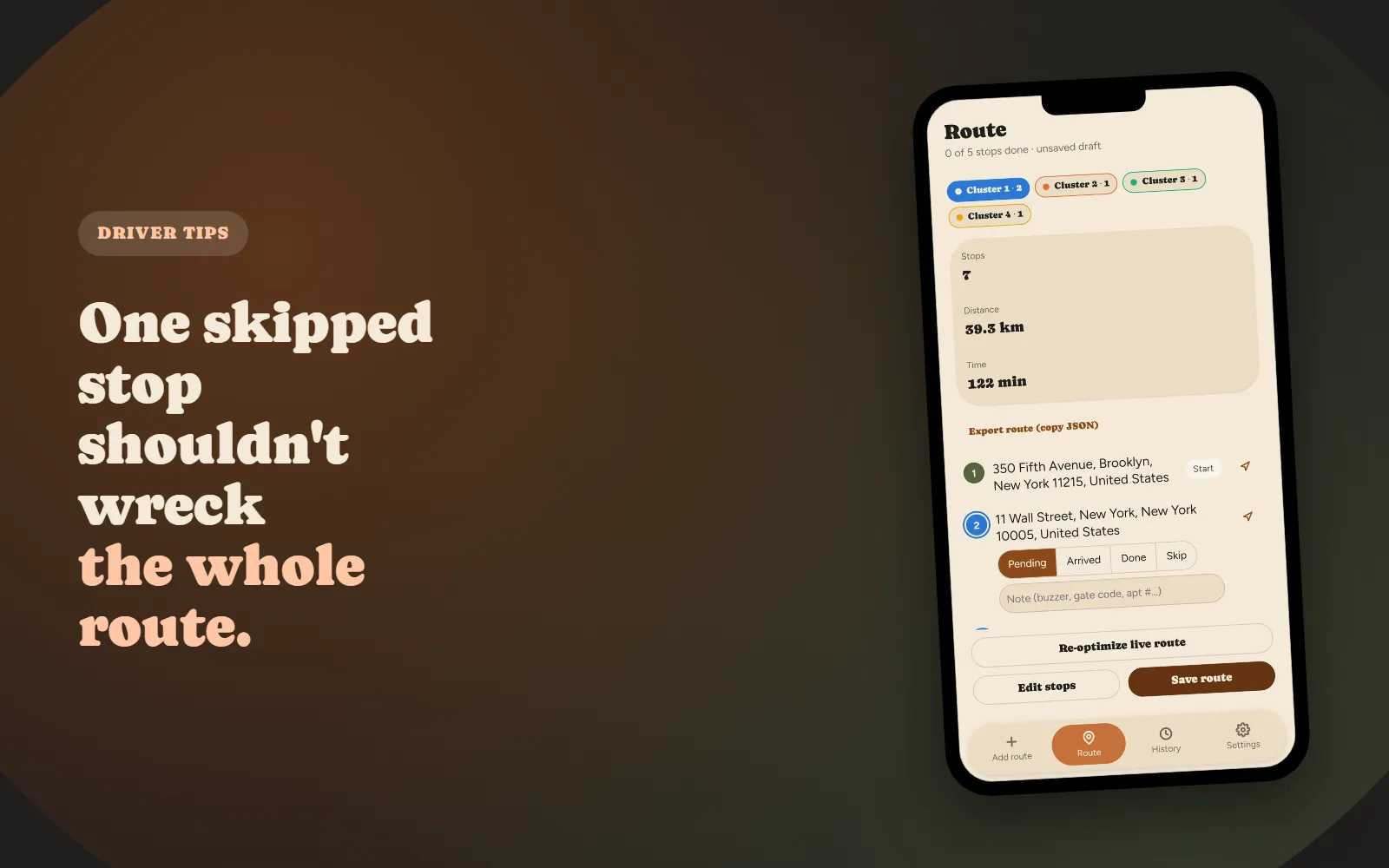
Why Your Delivery Route Falls Apart After the First Skipped Stop
Why a manually-planned route doesn't "self-heal," and what real-time re-optimization actually means.