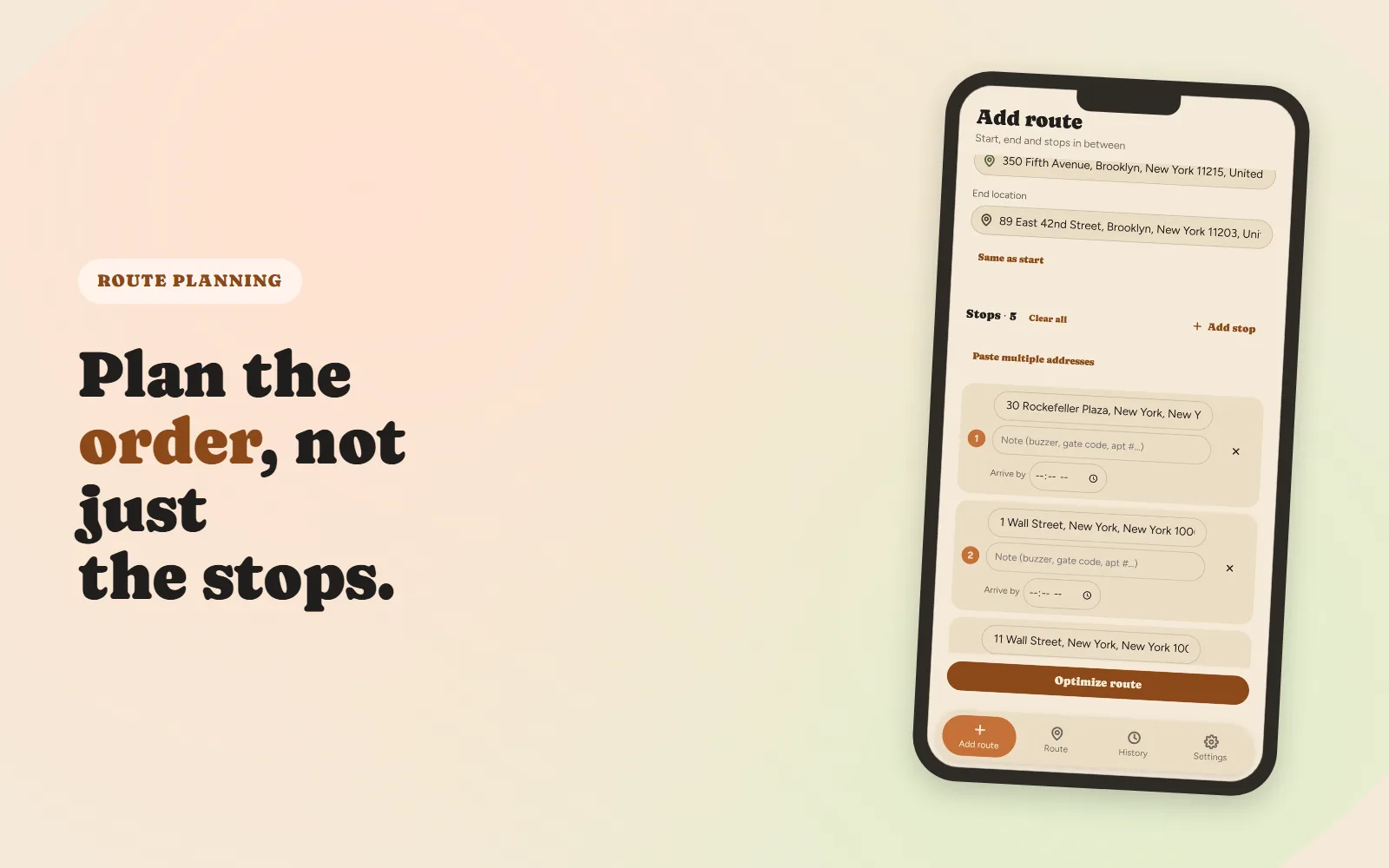
Ten, fifteen, thirty stops. Sequencing them by eye feels doable right up until the moment you're twenty minutes into a route and realize you should have gone the other way around the block. Manual planning doesn't fail because drivers are bad at it; it fails because the number of possible orderings grows so fast that "look at the map and pick a sensible path" stops working long before most delivery days do.
Here's a step-by-step approach that holds up whether you're planning by hand on a whiteboard or handing the list to an app.
Why "closest stop first" doesn't actually work
The instinctive way to sequence stops is to always drive to whichever unvisited address is nearest. It's called the nearest-neighbor approach, and it has a well-documented problem: it's greedy. Every choice looks good in the moment, but grabbing the closest stop early can strand you with a long, awkward drive back across town for whatever's left.
A route built this way is often 20–30% longer in total distance than the actual best ordering, and that gap gets worse, not better, as stop count grows. It's the single biggest reason a route "feels" fine stop-to-stop but somehow eats an extra hour by the end of the day.
Step 1: Get every address in one place before you plan anything
Planning stop-by-stop as addresses trickle in (a text here, a paper manifest there, a screenshot from dispatch) guarantees a worse route, because you're sequencing an incomplete list. Collect everything first: type them, paste a list, upload a CSV, or photograph a manifest. The order you plan in should never depend on the order information happened to arrive in.
Step 2: Fix your start and end points first
Every other stop gets sequenced between two fixed points, usually where you start the day and where you need to end up (a depot, home, or your last delivery zone). Decide these before touching the stop list. Changing the end point after a route is already sequenced usually forces a full re-plan, not a small tweak, since it changes which stops make sense to save for last.
Step 3: Flag hard constraints before you optimize
Not all stops are equally flexible. Before sequencing, mark:
- Hard deadlines: a delivery that must arrive by a specific time, not just "sometime today."
- Business hours: a stop that's simply closed outside a window, which acts like a deadline on both ends.
- Access notes: gate codes, buzzer numbers, loading-dock-only entrances. Not sequencing constraints, but worth capturing now so you're not hunting for them mid-route.
A route that ignores deadlines can look perfectly efficient on total distance and still fail the one delivery that actually mattered.
Step 4: Past about eight stops, let software solve the order
Below six or seven stops, a reasonable person can often eyeball a near-optimal order. Above that, the number of possible sequences explodes combinatorially: ten stops alone have over 3.6 million possible orderings, and no amount of squinting at a map finds the best one reliably. This is a solved problem in routing software (it's the same class of problem, the "traveling salesman problem," that's been studied for decades); the honest move is to let an algorithm handle the sequencing and spend your own attention on the constraints it can't see, like which customer is difficult about early arrivals.
Step 5: Build in a buffer, then work the route in real time
An optimized route is a plan, not a guarantee. Traffic, a slow customer, a parking hunt: real days run long. Build a 10–15% time buffer into your mental estimate before you commit to a schedule, especially if any stop has a hard deadline near the end of the route.
What to do when a stop gets added or falls through mid-route
This is where a fixed, once-optimized route usually breaks down. A cancelled stop or a new rush order doesn't just remove or add one line item; it can invalidate the whole sequence around it. The fix isn't to re-plan everything by hand, it's re-optimizing just the remaining, unvisited stops from wherever you currently are. If a stop gets skipped, the stops immediately around it are the ones most likely to need reordering; everything already completed stays untouched. We cover this specific failure mode in more depth in why a delivery route falls apart after the first skipped stop.
The goal isn't a perfect plan at 8am. It's a route that's still the right route at 2pm, after reality has had its say.
Quick checklist
- Collect every address before sequencing anything
- Fix your start and end points first
- Flag hard deadlines and business-hours constraints up front
- Let software sequence anything past ~8 stops
- Build in a 10–15% time buffer
- Re-optimize the remaining stops, not the whole route, when something changes mid-day
Fix My Route Team
We build route-optimization software for delivery drivers and couriers, and write about the planning problems that come up running real multi-stop days.
Keep reading
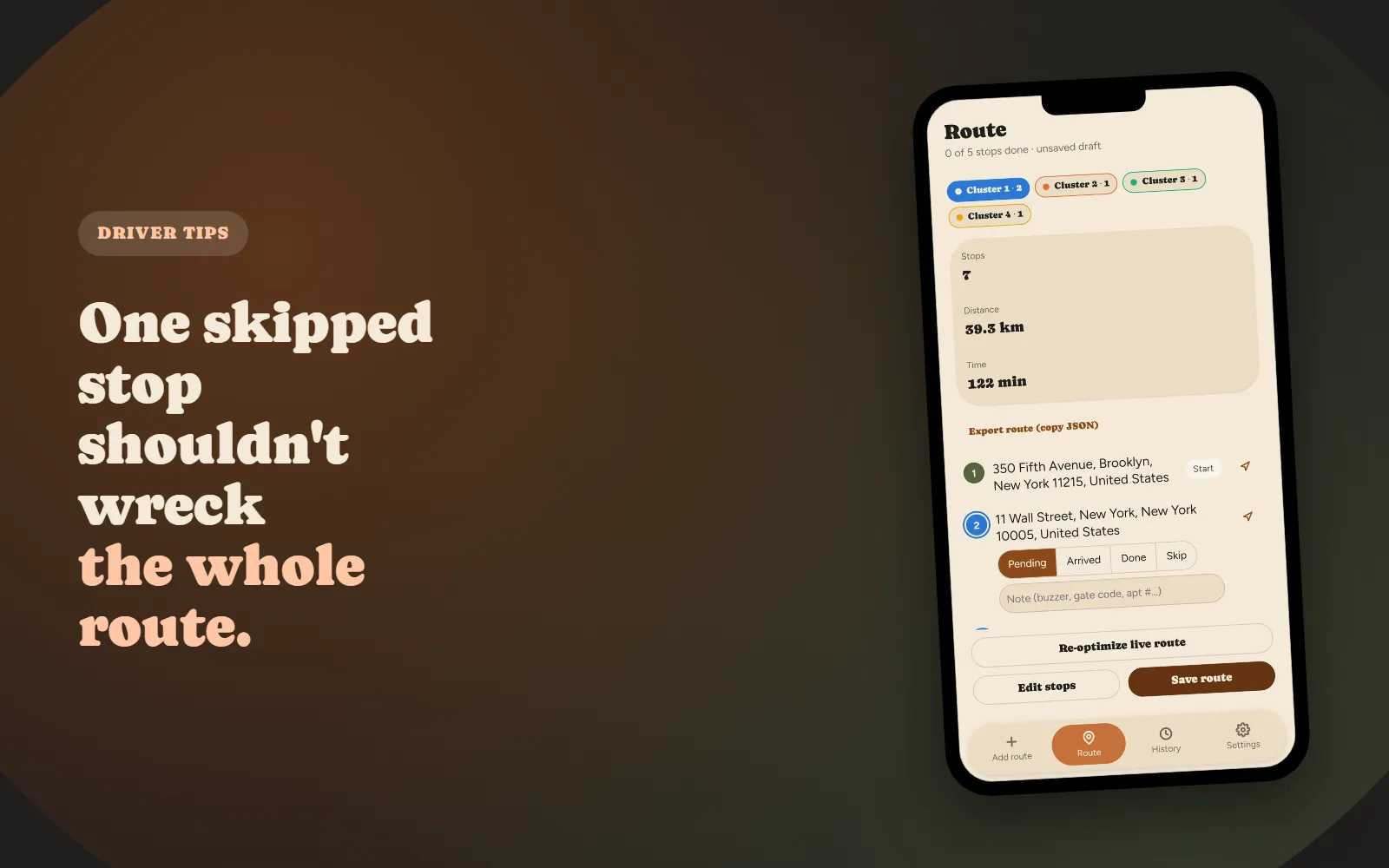
Why Your Delivery Route Falls Apart After the First Skipped Stop
Why a manually-planned route doesn't "self-heal," and what real-time re-optimization actually means.
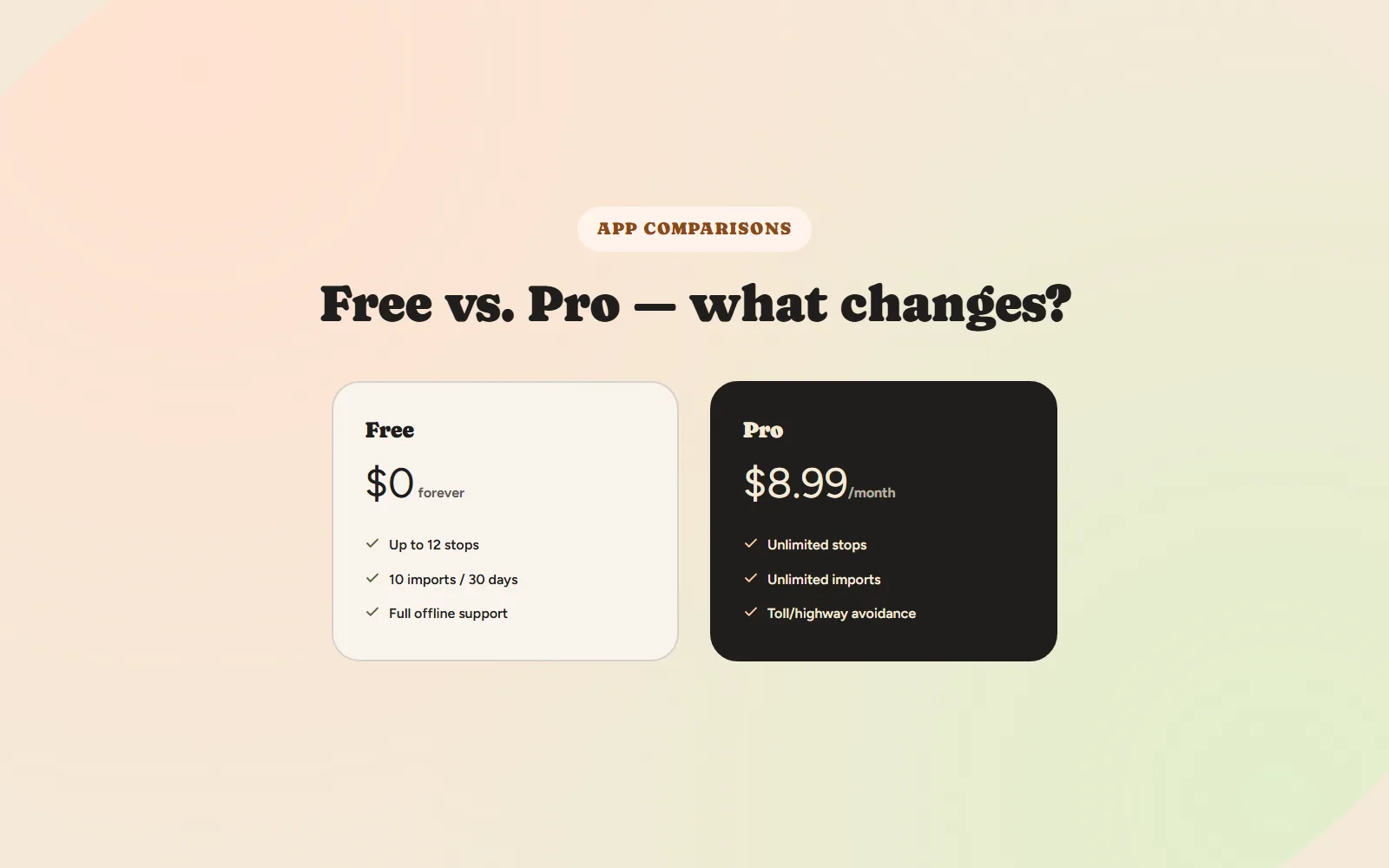
Free vs. Paid Route Planner Apps: What Actually Changes at ~$9/Month
What typically stays free, what gets capped, and a simple way to decide if the upgrade is worth it.