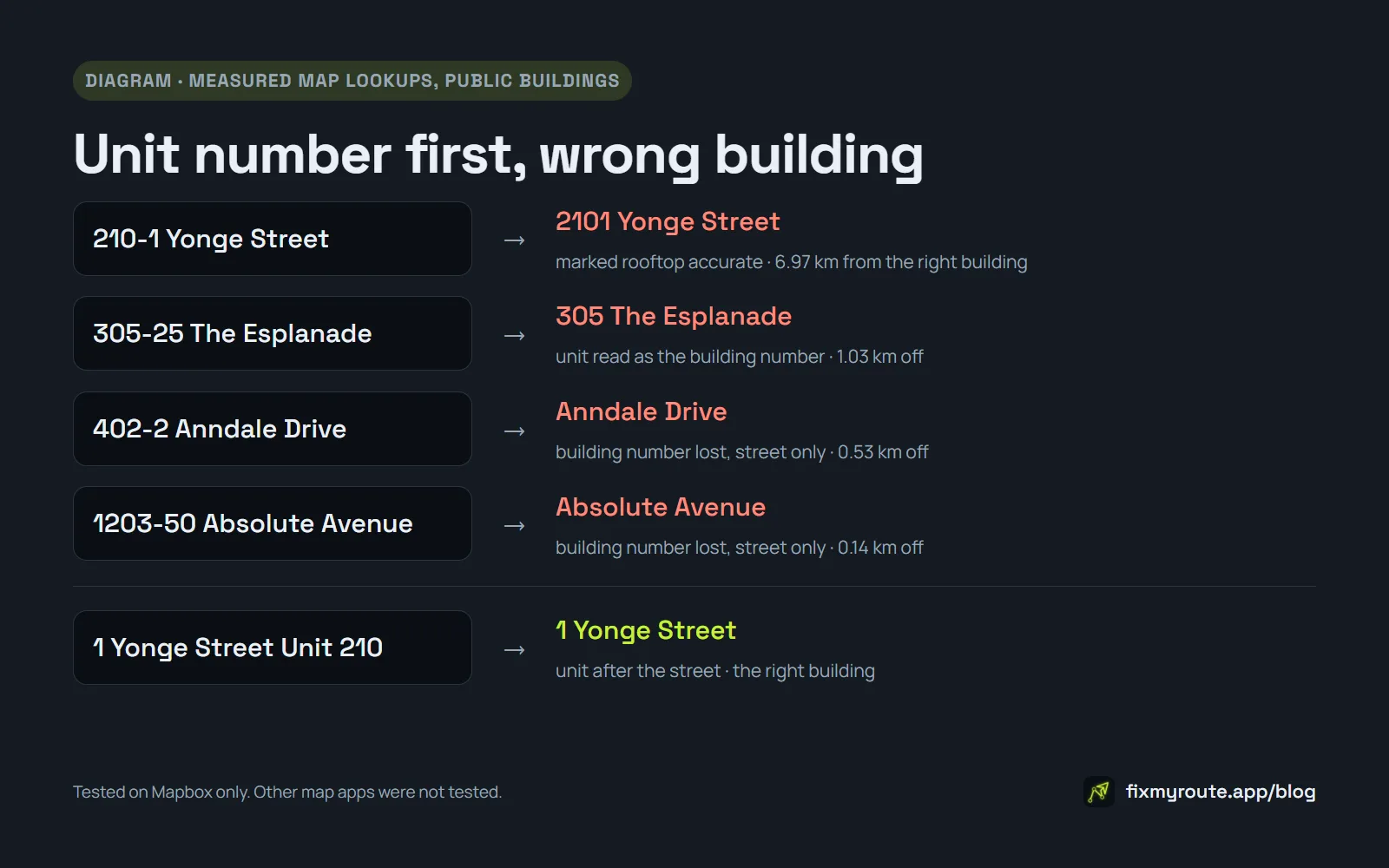
Type 210-1 Yonge Street into a route planner and you'd expect the condo at 1 Yonge Street, unit 210. In one of our tests the map lookup handed back 2101 Yonge Street instead. That's a real building on the same street, almost 7 km north, and it came back marked as a rooftop-accurate match.
Nothing was wrong with the address. Putting the unit number before the street address is one of the ways Canada Post says a condo address can be written, and plenty of delivery labels print it exactly like that. The trouble starts when software reads it.
We first saw this on real delivery sheets, then reproduced it on public buildings in Toronto and Mississauga. Here's what goes wrong, why an app can't just flip the numbers around, and how to type these addresses so they land on the right door.
The format is correct, and common
Canada Post's civic address guidelines allow the unit in a few places. The first one they list is "before the civic number with a hyphen in between." The same page is blunt about leaving it out: "If a unit number is assigned, it's an integral part of the address. You must include it."
So a label reading 305-25 The Esplanade means unit 305 in the building at number 25. Anyone who delivers to condos reads that without thinking. A geocoder, the part of a map app that turns text into a pin, doesn't always.
What the lookup did with it
We typed unit-first addresses for public buildings into Mapbox, the map data Fix My Route uses, with the same settings a route planner uses for address suggestions. Then we measured how far each result landed from the building it should have found:
- 210-1 Yonge Street, Toronto came back as 2101 Yonge Street, 6.97 km away, flagged as rooftop accurate.
- 305-25 The Esplanade, Toronto came back as 305 The Esplanade, 1.03 km away.
- 402-2 Anndale Drive, Toronto matched only the street, 0.53 km from the building.
- 1203-50 Absolute Avenue, Mississauga also matched only the street, 0.14 km off.
Those are three different mistakes. In the first, the unit and the building number fuse into one new number. In the second, the unit gets read as the building number. In the third, the building number just disappears and the pin sits somewhere along the road.
The first is the nasty one. A street-only pin looks vague, so you might check it. A confident rooftop pin on a real building gives you no reason to.
It isn't consistent, either. With a buzzer code added to the end, the same Yonge Street address landed at 210 Yonge Street instead of 2101. One small detail changed, and it picked a different wrong building.
Why an app can't just swap the numbers
The obvious fix is to spot the hyphen and move the first number to the end. That would break addresses in Queens, New York, where the hyphen is part of the house number itself. 123-45 Queens Blvd is one building number, and the lookup found it correctly as typed. Rewrite it and you've broken an address that was already right.
So the only safe fix is one that checks what the lookup actually found before changing anything.
How to type these addresses so they land right
None of this depends on which app you use:
- Put the unit after the street, with a label. Write 1 Yonge Street Unit 210 instead of 210-1 Yonge Street. Canada Post accepts that form, and all five buildings we tried written that way resolved correctly.
- Read the house number in the suggestion before you tap it. If the building number on the label is 1 and the suggestion says 2101 or 210, don't take it.
- Treat a street name with no number as a warning. That's the lookup telling you it couldn't find the building.
- Keep the unit and buzzer code in the stop note. That's what you need at the door anyway. The buzzer code isn't the culprit, by the way: 1 Yonge Street with "BUZZ 210" after it still resolved exactly. It's a unit at the front that causes the trouble.
Moving the unit isn't magic, though. Written as 88 Harbour Street 1502, with no label, one tower came back as 88 Harbour Square, which is a different address. Checking the house number before you accept a suggestion is still the habit that catches everything.
What Fix My Route does about it
This came out of real delivery sheets, so we changed the app rather than just writing about it. Both changes ship in version 1.1.2.
When an address starts with a unit and a hyphen, the app checks which house number the lookup matched. If it matched the unit, or only the street, it tries again with the unit moved after the street, and only uses that answer if it finds the right building number. A Queens address that resolves correctly the first time is left alone.
When you scan a label or a screenshot, the unit and any buzzer code are read separately from the street address. They go into the stop's note, and only the clean street address is used to place the pin.
What we don't know
We haven't measured how often this hits real routes. We can reproduce it whenever we like, but we don't have a rate, and we won't make one up.
We also only tested Mapbox. Google Maps, Apple Maps and Waze may handle unit-first addresses better or worse. The habits above are worth keeping either way.
Final thoughts
A Canadian condo label can be completely correct and still send you to the wrong building, because it was written for a letter carrier and read by software. When a street address starts with a number and a hyphen, treat the pin as unconfirmed until its house number matches the label in your hand.
Fix My Route Team
We build route-optimization software for delivery drivers and couriers, and write about the planning and engineering problems that come up running real multi-stop days.
Keep reading
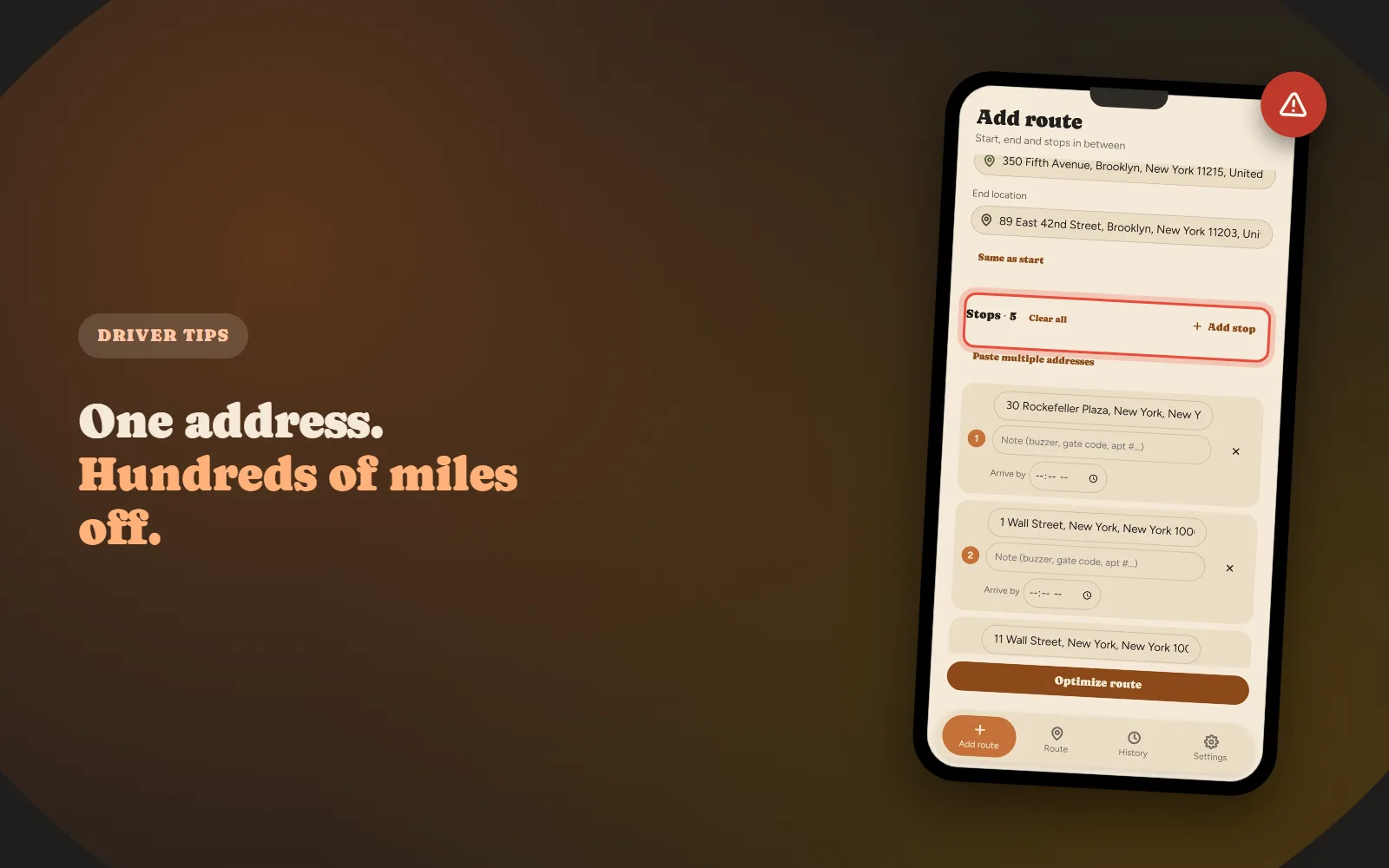
Why One Bad Address Can Break Your Entire Delivery Route
How one mis-geocoded address wrecks a whole route, and what actually flags it.
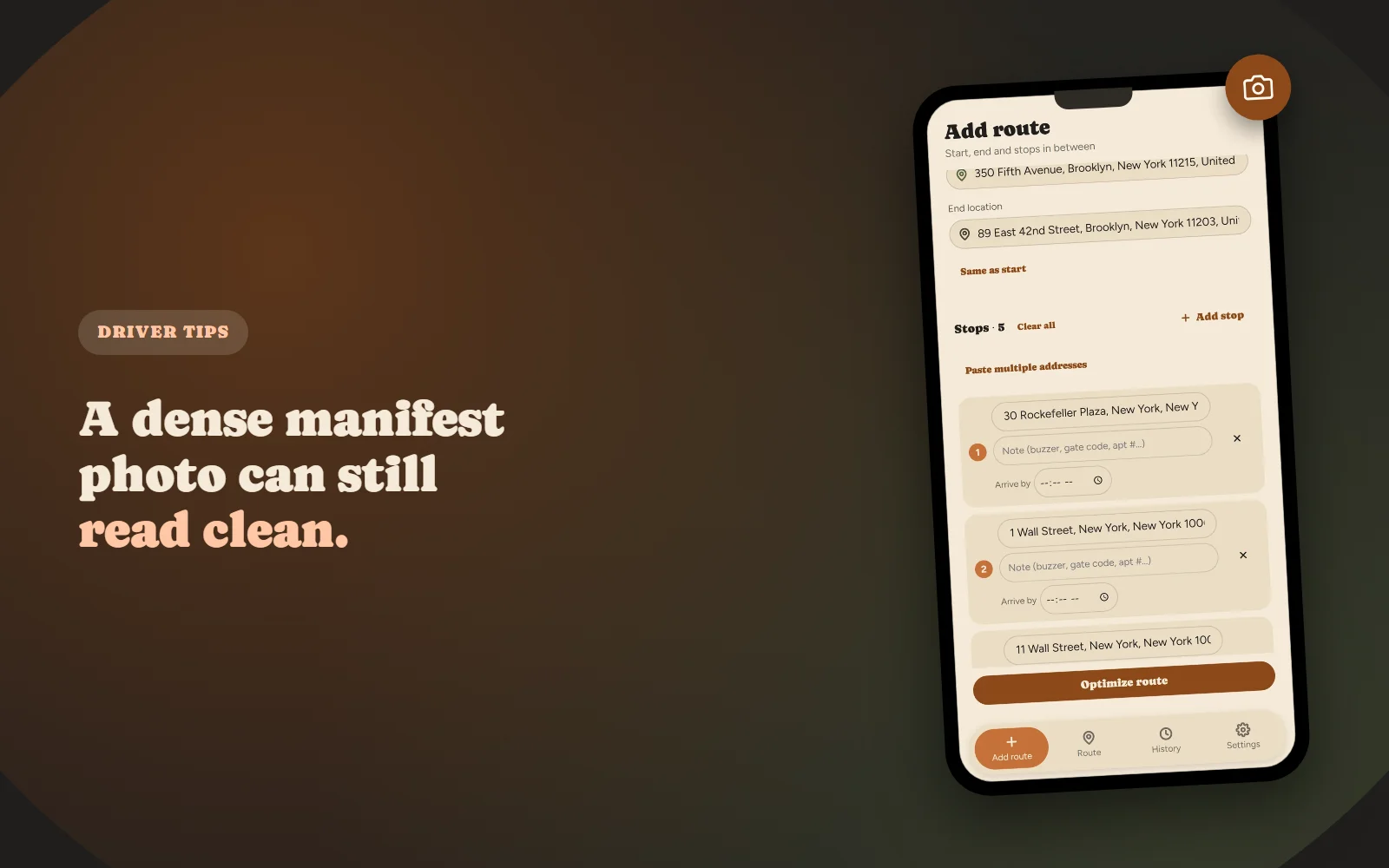
Why Your Manifest Photo Import Comes Back With Missing Addresses
The specific reasons a photo import comes back light, and how to get a clean read first time.