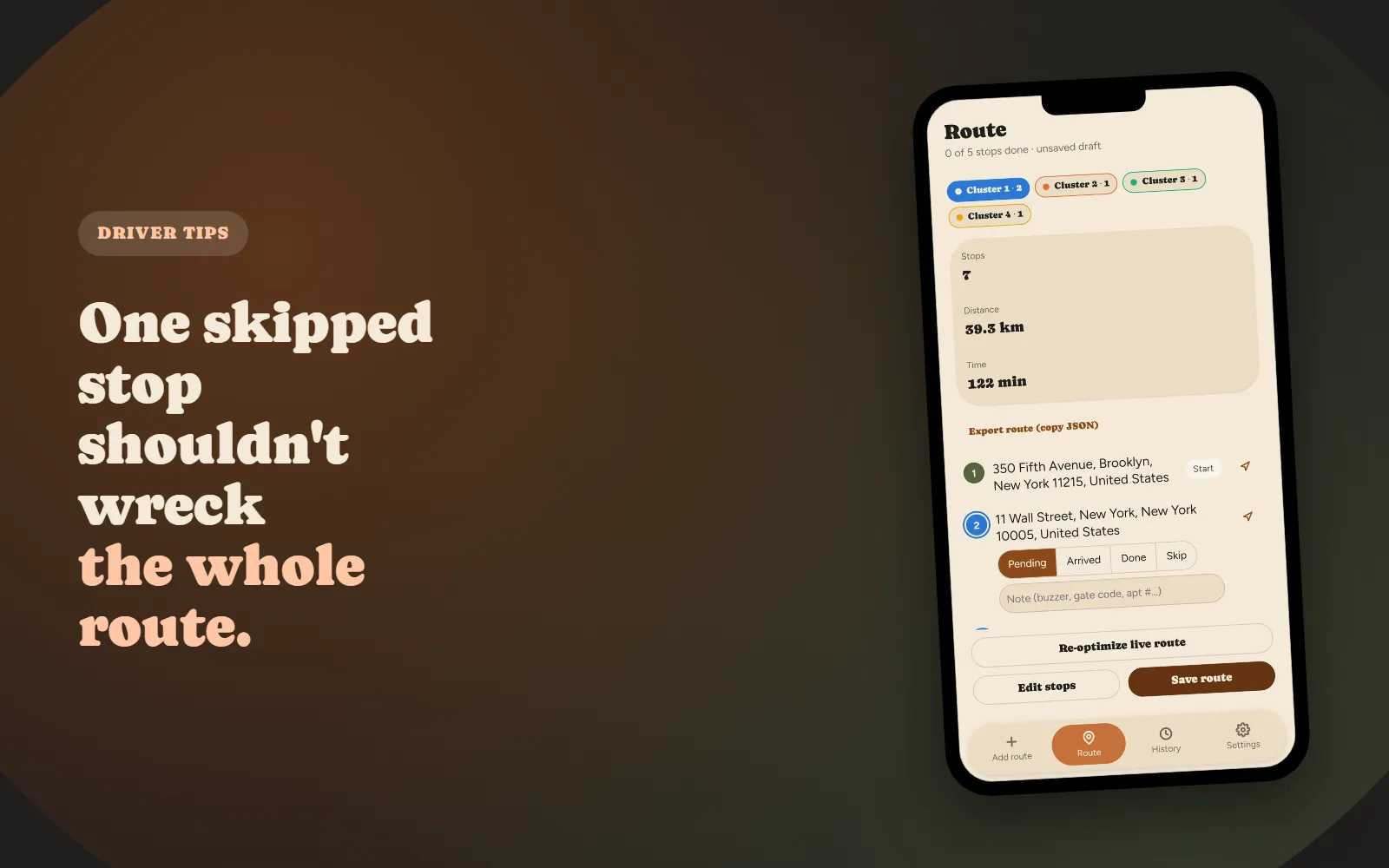
Nobody's home. The gate code doesn't work. The address turns out to be a vacant lot. It happens on nearly every real delivery day, and it shouldn't be a big deal: one stop out of fifteen. But if you've ever watched a carefully planned route slowly stop making sense after exactly this kind of moment, you've run into a real, structural problem, not bad luck.
The real-world scenario
You optimized the route this morning. Stop 6 doesn't work out, so you skip it and move on to stop 7. Nothing about stop 7 changed... except the route was sequenced assuming you'd be arriving from stop 6's location, not stop 5's. Multiply that small mismatch across the rest of the day, and a route that was genuinely optimal at 8am can be meaningfully worse than an average route by 2pm, not because anything dramatic happened, just because it never adjusted.
Why a planned route doesn't "self-heal"
A route optimizer solves for one specific, complete list of stops at one specific moment. The output, the sequence, is only correct for exactly that input. The instant one stop is skipped, added, or moved, the input has changed, but the plan you're holding hasn't. It doesn't know that. It just keeps directing you in an order that made sense for a version of the day that no longer exists.
This is why "just skip it and keep going" quietly costs more than it seems to. Every stop after the skip inherits a small, compounding routing error that a static plan has no way to correct on its own.
What re-optimization actually means, in plain terms
Re-optimization is just running the same routing calculation again, but only over what's left. Your current position becomes the new starting point, completed stops drop out of the problem entirely, and the remaining stops get resequenced around where you actually are right now, not where the morning's plan assumed you'd be. It's not a bigger version of the original problem; it's usually a smaller, faster one, because most of the day's stops are already done and out of the equation.
Clustering: why grouping stops geographically limits the damage
One reason a single skipped stop can ripple through an entire afternoon is that a naive route treats every stop as equally connected to every other stop. Grouping stops into geographic clusters first, then sequencing within and between clusters, contains that ripple: a problem in one cluster mostly affects reordering within that cluster, not a full-route rewrite. It's the same reason a good route planner highlights which cluster you're currently working, not just a flat numbered list. The grouping itself is part of what keeps one bad stop from becoming a bad afternoon.
What to look for in a route planner if this happens to you often
- One-tap re-optimize: not "delete the route and start over," a live recalculation from your current stop.
- Automatic triggering on skip: the best version of this doesn't wait for you to notice and ask; skipping a stop should trigger a resequence of that stop's cluster on its own.
- Completed stops stay untouched: re-optimizing should never reshuffle deliveries you've already made, only what's genuinely still ahead of you.
- Works offline: the moment you need to skip a stop and keep moving is exactly the kind of moment that shouldn't require a strong signal. See how offline-first sync actually works for the architecture behind this.
A simple mid-route recovery habit
Even with good tooling, build one habit: the moment you mark a stop Skipped rather than Done, glance at whether the very next stop still makes sense before committing to driving there. If your app auto-resequences on skip, this is a two-second confirmation, not real work. But it's the check that catches the rare case where a skip changes more than the app anticipated, like a locked gate that also blocks a shortcut through that block.
A route plan's job isn't to be right once at 8am. It's to still be right after the day inevitably doesn't go as planned.
This is exactly the failure mode Fix My Route's clustering and automatic re-optimization is built around: skip a stop, and the rest of that cluster resequences on its own, no manual replanning required. If you're building your route in the first place, our guide on planning a multi-stop delivery route covers the upstream steps that make mid-route changes rarer to begin with.

Fix My Route Team
We build route-optimization software for delivery drivers and couriers, and write about the planning problems that come up running real multi-stop days.
Keep reading
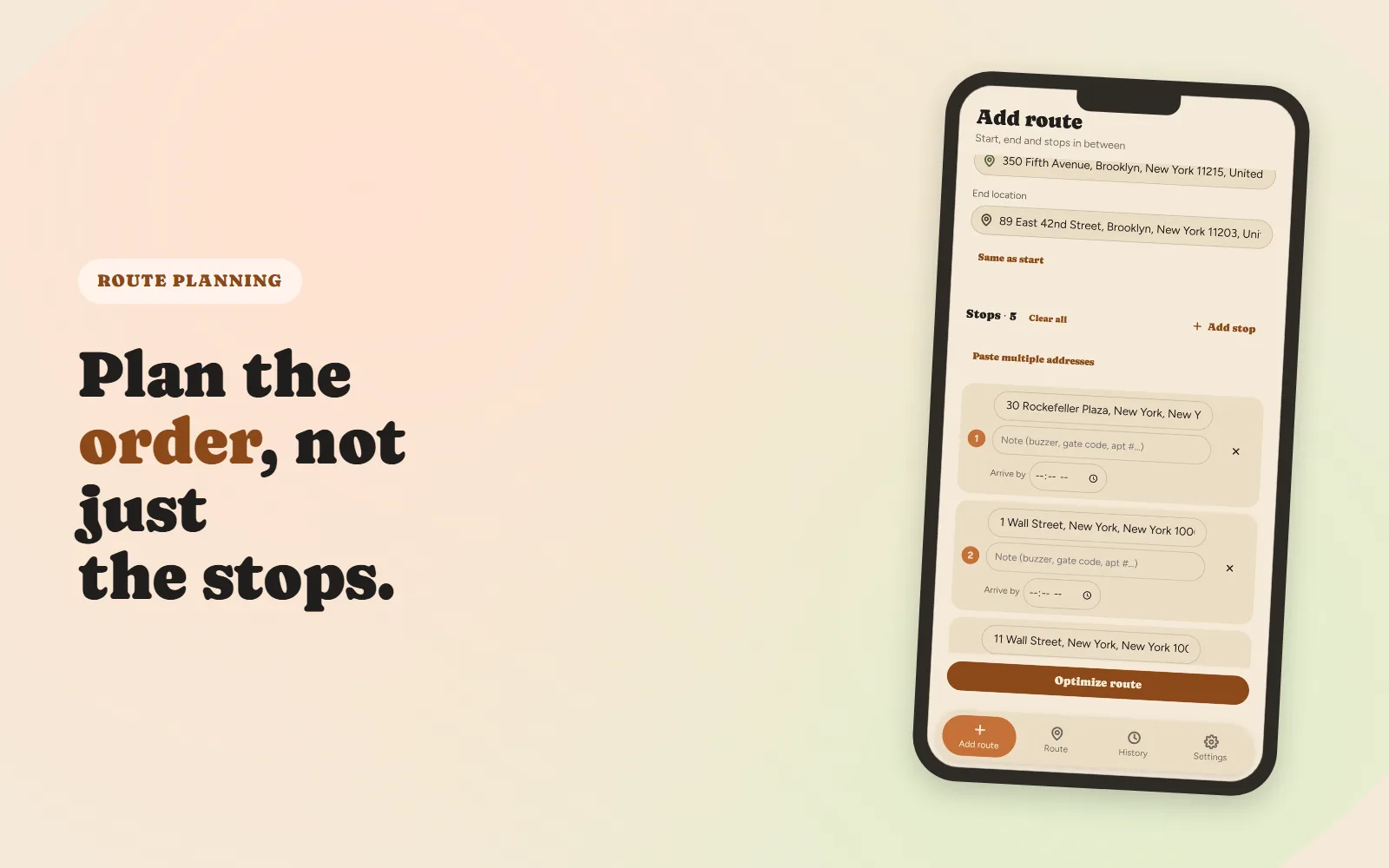
How to Plan a Multi-Stop Delivery Route (Without Losing Half Your Day)
A practical, step-by-step approach to sequencing ten-plus stops.

Free vs. Paid Route Planner Apps: What Actually Changes at ~$9/Month
What typically stays free, what gets capped, and a simple way to decide if the upgrade is worth it.